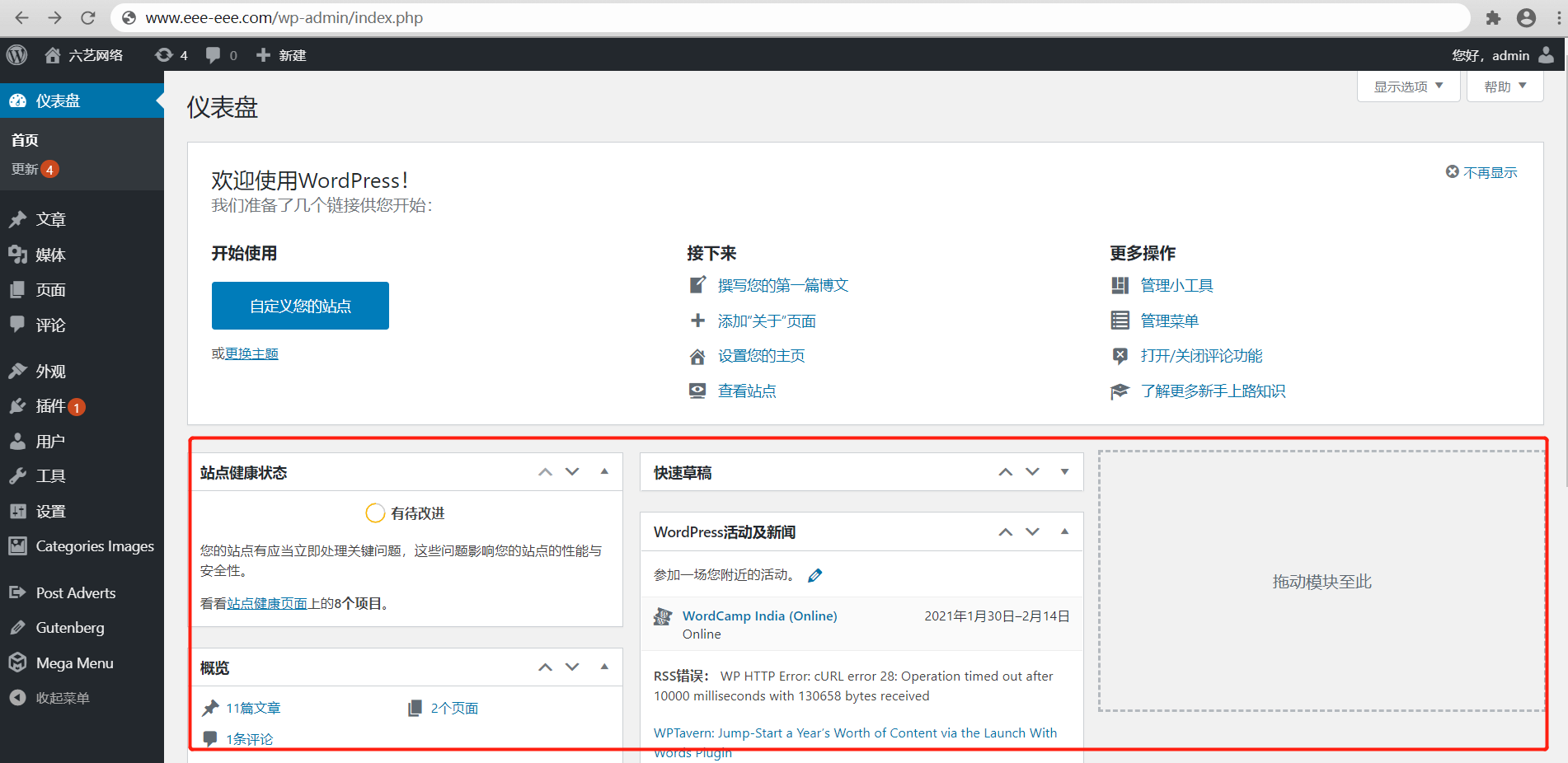
如何在儀表盤界面添加一個自定義模塊區(qū)域,顯示我們想要的內(nèi)容,今天我們就來分享一下添加自定義模塊的方式。
找到我們的主題文件functions.php ,添加以下代碼:
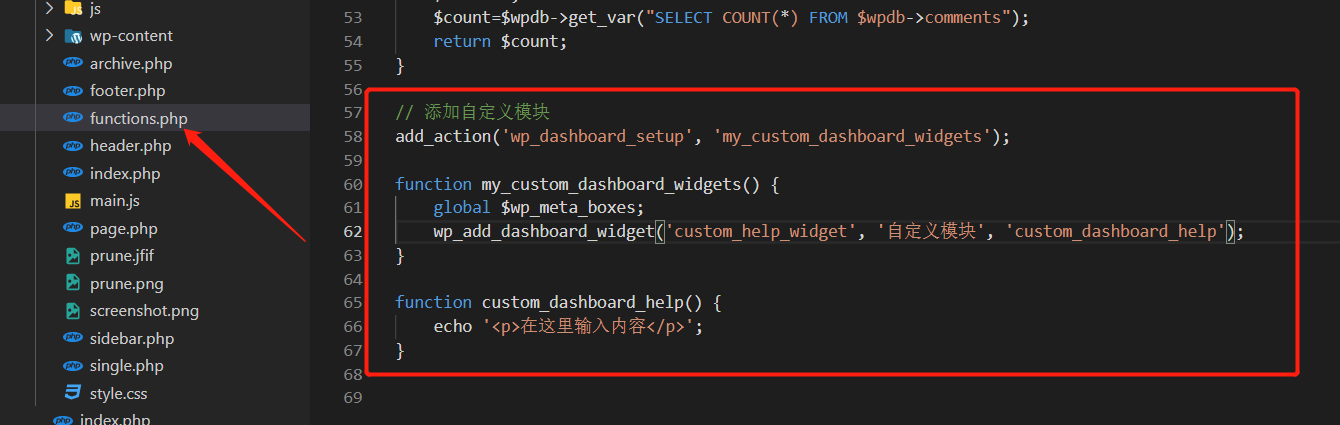
functions.php文件添加功能時,一定要添加對應(yīng)的注釋,方便我們后期查找。
以下是添加的代碼
// 添加自定義模塊
add_action('wp_dashboard_setup', 'my_custom_dashboard_widgets');
function my_custom_dashboard_widgets() {
global $wp_meta_boxes;
wp_add_dashboard_widget('custom_help_widget', '自定義模塊', 'custom_dashboard_help');
}
function custom_dashboard_help() {
echo '<p>在這里輸入內(nèi)容</p>';
}
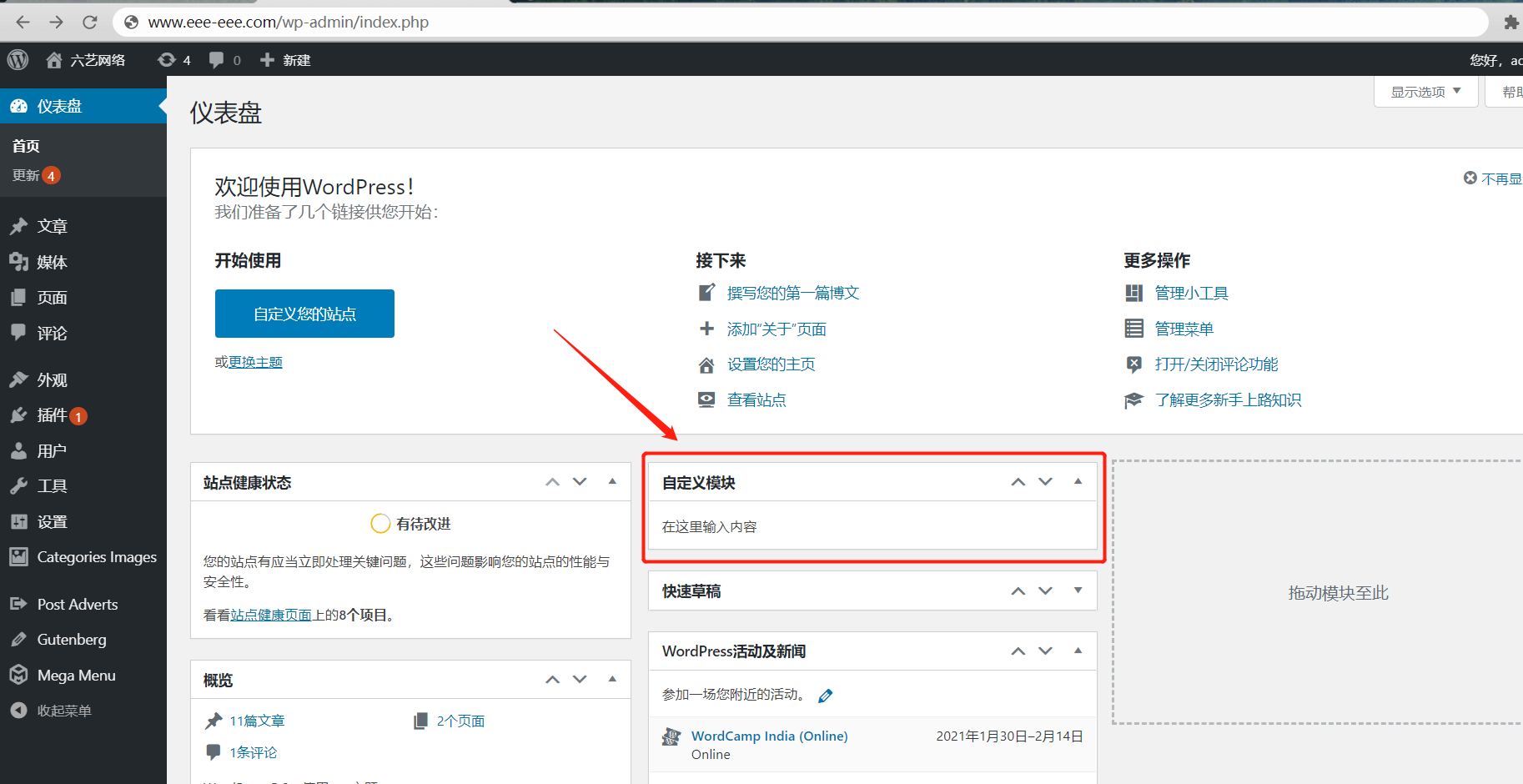
我們再來到wordpress儀表盤查看。此時,儀表盤上已經(jīng)顯示我們創(chuàng)建的自定義模塊了。
好了 今天的分享就到這里了,更多相關(guān)內(nèi)容請關(guān)注六翼開源!